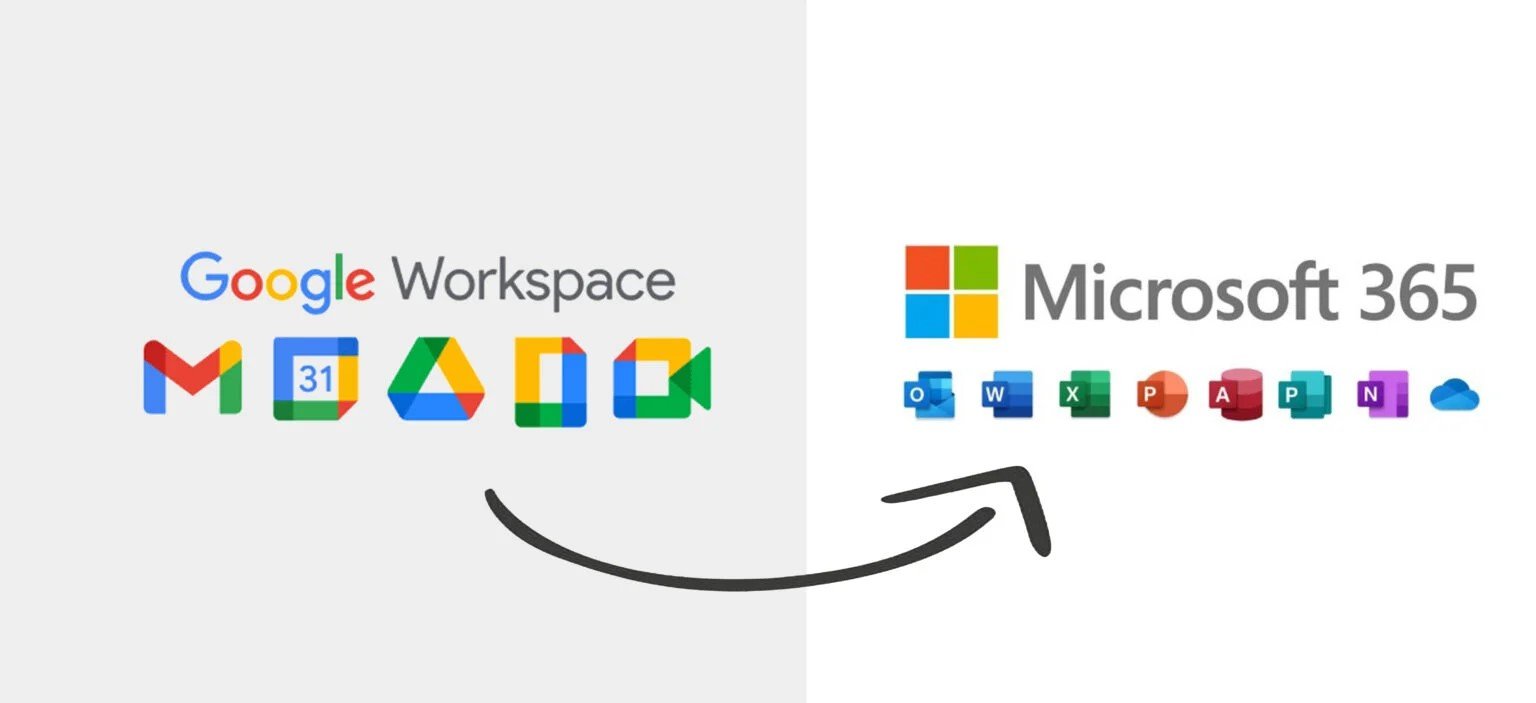

Google Workspace to Microsoft 365 migration has become one of the most common enterprise IT projects as organizations seek to consolidate their productivity suite, reduce costs, or leverage Microsoft’s integrated ecosystem. Whether you’re migrating 10 mailboxes or 10,000, understanding the email migration process, potential pitfalls, and best practices is crucial for a successful transition.
Email migration from Google Workspace (formerly G Suite) to Microsoft 365 involves transferring user mailboxes, calendar data, contacts, and potentially Google Drive content to Microsoft’s cloud platform. This process requires careful planning, proper tool selection, and thorough testing to ensure zero data loss and minimal business disruption.
In this comprehensive Google Workspace to Microsoft 365 guide, you’ll learn the complete email migration process, from initial assessment and planning through execution and post-migration validation. We’ll cover native Microsoft migration tools, third-party solutions, common challenges, troubleshooting techniques, and enterprise best practices used by IT professionals worldwide. For post-migration connectivity needs, see our guide on troubleshooting Azure VPN Gateway issues.
Why Migrate from Google Workspace to Microsoft 365?
Organizations choose to migrate from Google Workspace to Microsoft 365 for several strategic reasons. For detailed information on Microsoft 365 features and capabilities, refer to the official Microsoft 365 documentation.
Cost Optimization
Microsoft 365 Business Premium bundles email, Office applications, Teams, and advanced security features in a single subscription, often providing better value than purchasing Google Workspace plus separate Office licenses.
Desktop Application Integration
While Google offers web-based apps, many organizations prefer Microsoft’s native desktop applications like Word, Excel, and PowerPoint for complex document creation and offline productivity.
Active Directory Integration
Organizations with existing Windows infrastructure benefit from seamless Active Directory synchronization, single sign-on, and unified identity management that Microsoft 365 provides. If you’re deploying hybrid connectivity, our Azure VPN Gateway Configuration guide can help.
Advanced Compliance Features
Microsoft 365 offers comprehensive compliance tools including eDiscovery, legal hold, data loss prevention, and industry-specific compliance certifications that many regulated industries require.
Teams and Collaboration
Microsoft Teams has become the dominant enterprise collaboration platform, offering tight integration with SharePoint, OneDrive, and the broader Microsoft ecosystem.
Understanding Email Migration Architecture
Before diving into the migration process, it’s important to understand the architecture and data flow involved in Google Workspace to Microsoft 365 email migration.
Migration Components
Source Environment (Google Workspace):
- Gmail mailboxes containing emails, labels, and filters
- Google Calendar events and sharing permissions
- Google Contacts stored in user accounts
- Google Drive files and folder structures
Migration Platform:
- Microsoft 365 Admin Center migration tools
- Exchange Online PowerShell for automation
- Third-party migration tools (optional)
- IMAP protocol for mailbox data transfer
Destination Environment (Microsoft 365):
- Exchange Online mailboxes
- Outlook calendars with time zones
- Outlook contacts and contact groups
- OneDrive for Business file storage
Migration Methods
IMAP Migration: Uses the Internet Message Access Protocol to connect to Gmail and copy messages to Exchange Online. Suitable for small to medium migrations (under 2,000 users). For IMAP protocol details, see IETF RFC 3501.
Google Workspace Migration Tool: Microsoft’s native tool designed specifically for Google to Microsoft migrations, supporting emails, calendars, and contacts in a single process.
Third-Party Migration Tools: Commercial solutions like BitTitan MigrationWiz, AvePoint, or Quest that offer advanced features like delta migrations, scheduling, and detailed reporting.
Hybrid Coexistence: Temporary setup allowing both platforms to operate simultaneously during phased migrations, using mail routing and directory synchronization.
[REST OF CONTENT CONTINUES AS ORIGINAL…]