
Choosing between microsoft 365 business plans is one of the most consequential IT purchasing decisions a small business makes — and Microsoft does not make it easy.
Three plans with similar names, overlapping features, and pricing that shifts depending on whether you buy direct, through a partner, or on annual versus monthly commitment.
This guide cuts through the marketing. After deploying microsoft 365 business plans for 50+ organisations — from 5-person startups to 300-user enterprises — I know exactly where each plan fits, where it falls short, and what Microsoft does not highlight in its own comparison tables.
By the end of this guide, you will know which of the microsoft 365 business plans is right for your organisation, what you are getting for your money, and how to switch plans if you outgrow your current tier.
Table of Contents
- Microsoft 365 Business Plans Overview 2026
- Microsoft 365 Pricing 2026 — What You Actually Pay
- Business Basic vs Standard vs Premium: Full Comparison
- Best Microsoft 365 Plan for Small Business
- Microsoft 365 vs Office 2021: Which Should You Buy?
- Microsoft 365 vs Google Workspace Comparison
- Microsoft 365 for Nonprofits Pricing
- How to Set Up Microsoft 365 for Your Business
- How to Switch Microsoft 365 Plans
- Real-World Example: Which Plan We Recommended and Why
- Frequently Asked Questions
- Conclusion
Microsoft 365 Business Plans Overview 2026
Microsoft 365 business plans are cloud-based productivity subscriptions designed for organisations with up to 300 users.
Beyond 300 seats, Microsoft routes you to the Enterprise tier — E1, E3, and E5 — which carry different pricing and compliance capabilities.
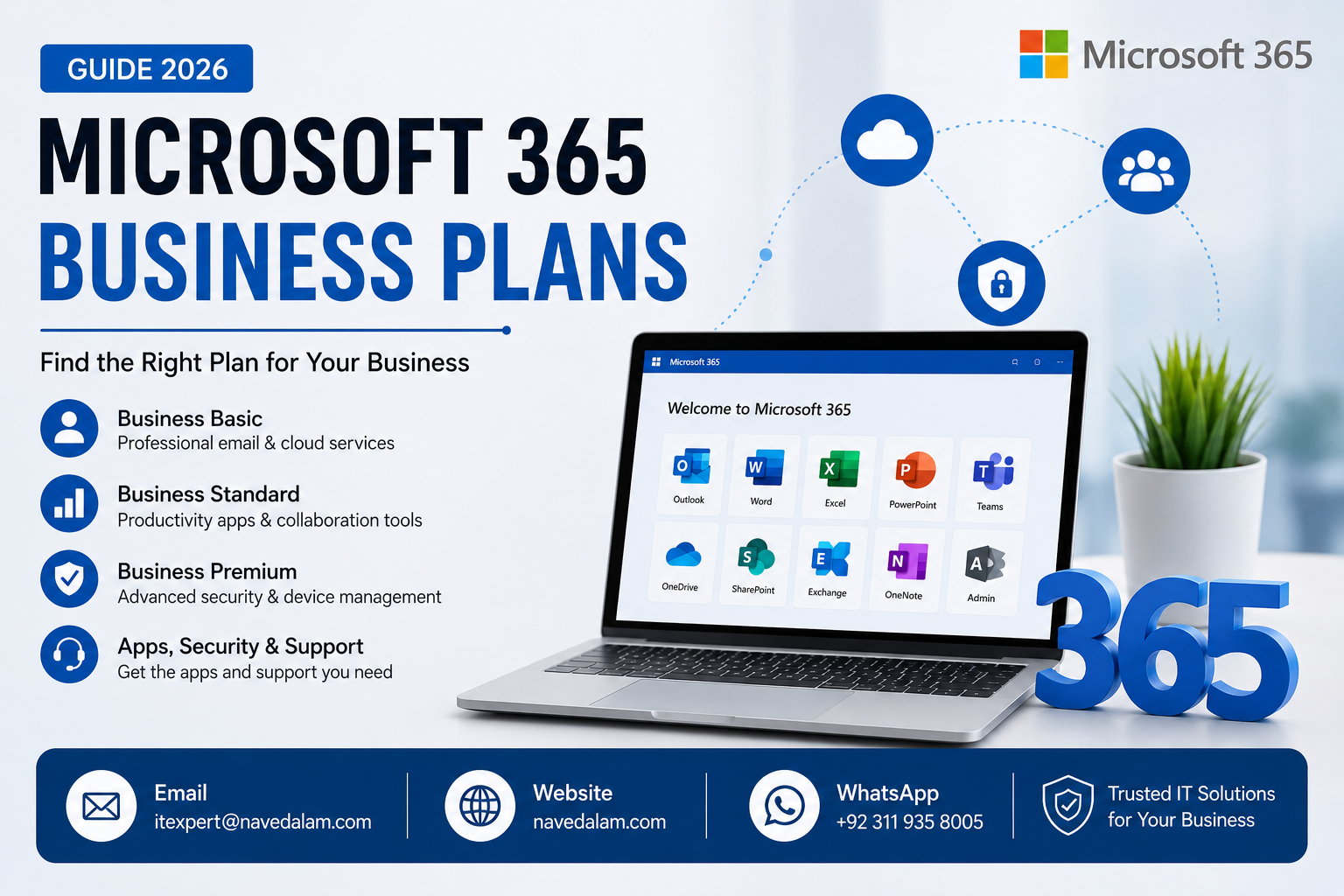
There are three core microsoft 365 business plans available in 2026:
- Microsoft 365 Business Basic — cloud-only web and mobile apps, Exchange email, Teams, OneDrive, SharePoint
- Microsoft 365 Business Standard — everything in Basic plus full desktop Office apps (Word, Excel, PowerPoint, Outlook) on up to 5 PCs per user
- Microsoft 365 Business Premium — everything in Standard plus enterprise security: Intune, Azure AD Premium P1, Defender for Business, and Information Protection
There is also Microsoft 365 Apps for Business — desktop Office apps with OneDrive but no Exchange email. This plan is rarely the right choice and exists primarily as a legacy path for organisations with existing email infrastructure.
Microsoft 365 Pricing 2026 — What You Actually Pay
All microsoft 365 pricing 2026 figures below are per user per month on annual commitment billed monthly. Paying annually upfront saves approximately 16%.
| Plan | Price / User / Month | Annual Cost (10 Users) | Max Users |
|---|---|---|---|
| Business Basic | $6.00 | $720 | 300 |
| Business Standard | $12.50 | $1,500 | 300 |
| Business Premium | $22.00 | $2,640 | 300 |
| Apps for Business | $8.25 | $990 | 300 |
These are Microsoft’s published prices. Purchasing through a Microsoft Cloud Solution Provider (CSP) partner often yields the same price but includes migration support, billing flexibility, and a dedicated technical contact — worthwhile for businesses without in-house IT.
Verify current microsoft 365 pricing 2026 on Microsoft’s official plan comparison page before committing, as prices adjust annually.
Microsoft 365 Business Basic vs Standard vs Premium: Full Comparison
The microsoft 365 business basic vs standard vs premium question is the most searched comparison about these plans — and Microsoft’s own comparison table buries the most important differences. Here is the honest version.
| Feature | Basic ($6) | Standard ($12.50) | Premium ($22) |
|---|---|---|---|
| Exchange Email (50 GB) | ✓ | ✓ | ✓ |
| Microsoft Teams | ✓ | ✓ | ✓ |
| OneDrive (1 TB per user) | ✓ | ✓ | ✓ |
| SharePoint | ✓ | ✓ | ✓ |
| Desktop Office Apps (Word, Excel, PowerPoint, Outlook) | ✗ Web only | ✓ 5 PCs per user | ✓ 5 PCs per user |
| Microsoft Bookings & Webinar Hosting | ✗ | ✓ | ✓ |
| Microsoft Intune Device Management | ✗ | ✗ | ✓ |
| Azure AD Premium P1 — Conditional Access | ✗ | ✗ | ✓ |
| Microsoft Defender for Business | ✗ | ✗ | ✓ |
| Information Protection (AIP P1) & eDiscovery | ✗ | ✗ | ✓ |
The single most important difference most buyers miss: Business Basic gives you web-only Office apps. If your staff needs full desktop Word, Excel, or Outlook — and most businesses do — Basic is not sufficient. That single gap is what drives 80% of businesses from Basic to Standard within their first six months.
Best Microsoft 365 Plan for Small Business
After deploying microsoft 365 business plans for dozens of SMBs, here is the honest decision framework based on real-world outcomes rather than feature checklists.
Choose Business Basic if:
- Your team works entirely in a browser or on mobile — no desktop Office needed
- You are replacing a standalone email hosting provider and just need professional Exchange email
- You have 5 or fewer users and budget is the primary constraint
- You are an early-stage startup planning to upgrade within 12 months
Choose Business Standard if:
- Your staff uses desktop Word, Excel, or Outlook daily — this is the majority of businesses
- You want to run webinars, customer-facing meetings, or use Teams for external client calls
- You need Microsoft Bookings for appointment scheduling or client intake
- You are migrating from Google Workspace and need full desktop app feature parity
Choose Business Premium if:
- You handle sensitive data — financial, healthcare, legal, or personal customer data
- You have a mobile or remote workforce requiring company-owned device management
- You have regulatory compliance requirements — GDPR, HIPAA, ISO 27001, or PCI-DSS
- You have experienced a phishing attack or security incident in the past 12 months
- You employ 20 or more staff and cannot absorb the downtime cost of a ransomware incident
For the best microsoft 365 plan for small business in most scenarios, Business Standard at $12.50 per user per month is the right starting point. The desktop apps alone justify the upgrade from Basic. The $6.50 per user difference is minimal compared to productivity loss when staff work around web-only Office limitations.
Microsoft 365 vs Office 2021: Which Should You Buy?
The microsoft 365 vs office 2021 comparison comes down to one question: do you want software you own outright, or software that is always current?
| Factor | Microsoft 365 Business | Office 2021 One-Time Purchase |
|---|---|---|
| Cost model | Subscription — $6 to $22 per user per month | One-time $249 to $439 per device |
| Feature updates | Always current — Copilot, new features monthly | Frozen at 2021 feature set permanently |
| Cloud storage | 1 TB OneDrive per user included | No cloud storage included |
| Email hosting | Exchange Online included in all plans | Not included — additional cost required |
| Devices per licence | 5 PCs, 5 tablets, 5 phones per user | 1 device only |
| Microsoft Copilot AI | Eligible with add-on licence | Not supported |
| Support lifecycle | Ongoing with active subscription | Mainstream support ends October 2026 |
Office 2021 mainstream support ends in October 2026 — purchasing it now means buying software approaching the end of its supported life. For businesses, Microsoft 365 wins on every practical measure. The only argument for Office 2021 is a preference for perpetual licensing, which rarely survives cost-benefit analysis when Exchange email, 1 TB cloud storage, and multi-device access are included in the subscription.
Microsoft 365 vs Google Workspace Comparison
The microsoft 365 vs google workspace comparison is genuinely competitive at entry-level pricing. Google’s Business Starter at $6 per user matches Microsoft’s Basic pricing — but the feature sets diverge significantly.
| Factor | Microsoft 365 Business Standard | Google Workspace Business Starter |
|---|---|---|
| Price per user per month | $12.50 | $6.00 |
| Desktop Office apps | Full Word, Excel, PowerPoint, Outlook | None — browser only |
| Storage | 1 TB OneDrive per user | 30 GB pooled across the organisation |
| Video meetings | Microsoft Teams — up to 1,000 attendees | Google Meet — up to 100 participants |
| Best for | Windows-centric businesses, document-heavy workflows | Browser-native teams, startups, education |
If your team uses Windows, handles Word and Excel files daily, or works with clients who send .docx and .xlsx attachments, Microsoft 365 is the clear choice. For browser-native teams deep in the Google ecosystem, migrating carries real transition costs. See our Google Workspace to Microsoft 365 migration guide for a detailed transition plan and cost assessment before making the switch.
Microsoft 365 for Nonprofits Pricing
Microsoft offers substantial discounts on microsoft 365 for nonprofits pricing through its Tech for Social Impact programme — one of the most underutilised cost savings available to qualifying organisations.
- Business Basic: Free for up to 10 users, then $1.50 per user per month
- Business Premium: $5.50 per user per month — versus $22 at commercial pricing
- Microsoft 365 Apps for Nonprofits: Free for up to 10 users
Eligibility requires registration as a recognised nonprofit through the Microsoft Nonprofit Hub. The approval process typically takes 2 to 5 business days. Full eligibility requirements and the application process are available on Microsoft’s nonprofit programme portal.
How to Set Up Microsoft 365 for Your Small Business
After selecting which of the microsoft 365 business plans fits your organisation, the microsoft 365 setup for small business follows five stages regardless of which plan you chose.
Stage 1 — Purchase and tenant creation: Sign up at microsoft.com/microsoft-365, choose your plan, and create your Microsoft 365 tenant. Your tenant name — yourcompany.onmicrosoft.com — is permanent and cannot be changed later. Choose it carefully to reflect your business name.
Stage 2 — Add your custom domain: In the Microsoft 365 Admin Centre, go to Settings, then Domains, then Add domain. You will need to add MX, TXT (SPF), and CNAME records at your DNS provider. This routes your business email to Microsoft’s Exchange Online servers.
Stage 3 — Create users and assign licences: Add users manually in the Admin Centre or bulk-import via CSV. Assign licences at this stage — users cannot access any Microsoft 365 service until a licence is attached to their account.
Stage 4 — Migrate existing email: If moving from another provider, use the Exchange Admin Centre migration wizard. For Google Workspace migrations specifically, see our complete migration guide which covers mailbox, calendar, and contact transfer in detail.
Stage 5 — Configure security baseline: Enable Multi-Factor Authentication for all users before doing anything else — this single step blocks over 99% of account compromise attempts. Then configure anti-spam policies in Exchange Online Protection. If you are on Premium, configure Conditional Access and enrol devices in Intune. See the Microsoft Intune setup guide for the full device enrolment process.
How to Switch Microsoft 365 Plans
Switching between microsoft 365 business plans is straightforward and does not affect any existing email, data, or OneDrive files.
To upgrade your plan, go to the Microsoft 365 Admin Centre, select Billing, then Your products, click on your current subscription, and choose Upgrade. Select the target plan and confirm the change. Licences apply immediately and new features become available within minutes to a few hours.
Downgrading requires cancelling the higher-tier subscription and purchasing the lower tier separately — email and files are retained but Premium security features deactivate immediately. If you manage Intune-enrolled devices and are downgrading away from Premium, de-enrol devices before the downgrade to avoid MDM policy orphaning.
This switch microsoft 365 plans guide applies to all plan changes within the Business tier. Migrating from Business to Enterprise requires a different process involving licence reassignment and potentially tenant reconfiguration.
Real-World Example: Which Microsoft 365 Plan We Recommended and Why
A 35-person law firm in Islamabad approached us for help selecting between microsoft 365 business plans. They were running on-premises Exchange Server 2016 mixed with personal Gmail accounts — a compliance risk in a regulated professional services environment.
Their initial instinct was Business Basic to minimise cost.
After a 30-minute requirements session, the picture changed completely. Every fee earner drafted contracts daily in desktop Word and Excel. They had client confidentiality obligations under professional standards rules. They had experienced one phishing incident in the past year that cost two days of IT remediation time and risked client data exposure.
We recommended Business Premium for all 35 users. Total monthly cost: $770 versus the $210 they planned to spend on Basic.
The additional $560 per month delivered Defender for Business — which blocked three confirmed phishing attempts in the first 30 days — Intune for managing all 35 laptops, and Conditional Access preventing login from unmanaged personal devices. The firm calculated that a single prevented data breach, including regulatory notification costs and potential fines, would exceed ten years of the Business Premium premium. They signed a 3-year commitment.
Frequently Asked Questions
What is the difference between Microsoft 365 Business Basic, Standard, and Premium?
Business Basic provides cloud-only browser access to Office apps plus Exchange email and Teams at $6 per user per month. Business Standard adds full desktop Office applications — Word, Excel, PowerPoint, and Outlook — installable on 5 PCs per user, at $12.50 per user per month. Business Premium adds everything in Standard plus Microsoft Intune device management, Azure AD Premium P1 Conditional Access, Microsoft Defender for Business, and advanced compliance tools at $22 per user per month. The correct choice depends on whether your staff need desktop apps and whether your organisation handles sensitive or regulated data.
How much does Microsoft 365 cost per user in 2026?
Microsoft 365 business plans cost $6 per user per month for Business Basic, $12.50 per user per month for Business Standard, and $22 per user per month for Business Premium — all on annual commitment billed monthly. Nonprofit organisations can access Business Basic free for up to 10 users and Business Premium at $5.50 per user per month through Microsoft’s Tech for Social Impact programme.
Is Microsoft 365 Business Premium worth it for small businesses?
Yes, for small businesses handling sensitive client data, operating in regulated industries, or managing a remote workforce with company devices. Business Premium’s combination of Defender for Business, Intune, and Conditional Access provides enterprise-grade security capabilities that would cost significantly more to assemble from separate security products. For businesses with straightforward productivity needs and no compliance requirements, Business Standard is usually sufficient.
What is the difference between Microsoft 365 and Office 2021?
Microsoft 365 is a monthly subscription providing always-current desktop Office apps, 1 TB cloud storage per user, Exchange Online email, Teams, and continuous new features including Copilot AI integration. Office 2021 is a one-time purchase providing static desktop apps on a single device with no cloud services — and mainstream support ending in October 2026. For businesses, Microsoft 365 Business Standard provides substantially more value than Office 2021 plus separate email hosting at comparable total annual cost.
How do I set up Microsoft 365 for my business?
Set up Microsoft 365 for your business in five steps: purchase your plan and create the tenant, add and verify your custom domain by updating DNS records, create user accounts and assign licences, migrate existing email using the Exchange Admin Centre wizard or a third-party migration tool, then establish a security baseline by enabling Multi-Factor Authentication for all users. For complex migrations from Google Workspace or on-premises Exchange Server, professional assistance prevents email downtime and data loss during the cutover window.
Conclusion: The Right Microsoft 365 Business Plan for Your Organisation
Choosing the right microsoft 365 business plans comes down to three questions: do your staff need desktop Office applications, do you handle sensitive or regulated data, and what is your organisation’s tolerance for a security incident?
- Desktop apps needed, no compliance requirements: Business Standard at $12.50 per user per month is the right choice for most small businesses
- Sensitive data, regulated industry, or remote workforce: Business Premium at $22 per user per month — the security capabilities alone justify the premium
- Browser-only team, tight budget: Business Basic at $6 per user per month works if staff genuinely do not need desktop Office
- Nonprofit organisation: Apply for Tech for Social Impact pricing before purchasing any commercial plan
The most expensive mistake businesses make with microsoft 365 business plans is choosing Basic to save money, discovering six months later that staff cannot work effectively without desktop apps, then paying for migration costs to upgrade what they should have started with.
Start on Standard. Upgrade to Premium when your compliance requirements or security posture demands it.
Related reading on navedalam.com:
- Google Workspace to Microsoft 365 Migration Guide
- Microsoft Intune Setup Guide
- Outlook Spam Email Troubleshooting Guide
- Remote IT Support Services
Need Help Choosing or Setting Up Microsoft 365?
I help businesses across Pakistan and internationally choose the right microsoft 365 business plan, migrate from existing email platforms, and configure security baselines that protect data from day one.
Whether you are setting up Microsoft 365 for the first time, migrating from Google Workspace or on-premises Exchange, or need a security audit of your existing Microsoft 365 tenant — I can help remotely, on your schedule.
Services Offered
- Microsoft 365 business plan selection and procurement advice
- Email migration from Google Workspace, cPanel, and Exchange
- Security baseline configuration — MFA, Conditional Access, Defender for Business
- Microsoft Intune device management setup and enrolment
- Ongoing Microsoft 365 tenant administration and user support
Email: itexpert@navedalam.com
WhatsApp: +92 311 935 8005
Website: navedalam.com
Free 30-minute consultation — no obligation, no commitment.
About the Author
Naveed Alam is a certified Network and Cloud Engineer with hands-on experience deploying Microsoft 365 business plans for organisations across Pakistan and internationally.
With 50+ completed projects spanning Microsoft 365, Azure, Windows Server, and Cisco networking, Naveed helps organisations choose the right Microsoft 365 business plan and implement it correctly from day one.
Certifications: Cisco CCNA · Microsoft Azure Fundamentals AZ-900 · CompTIA A+ · Fortinet NSE 4
LinkedIn · navedalam.com · itexpert@navedalam.com